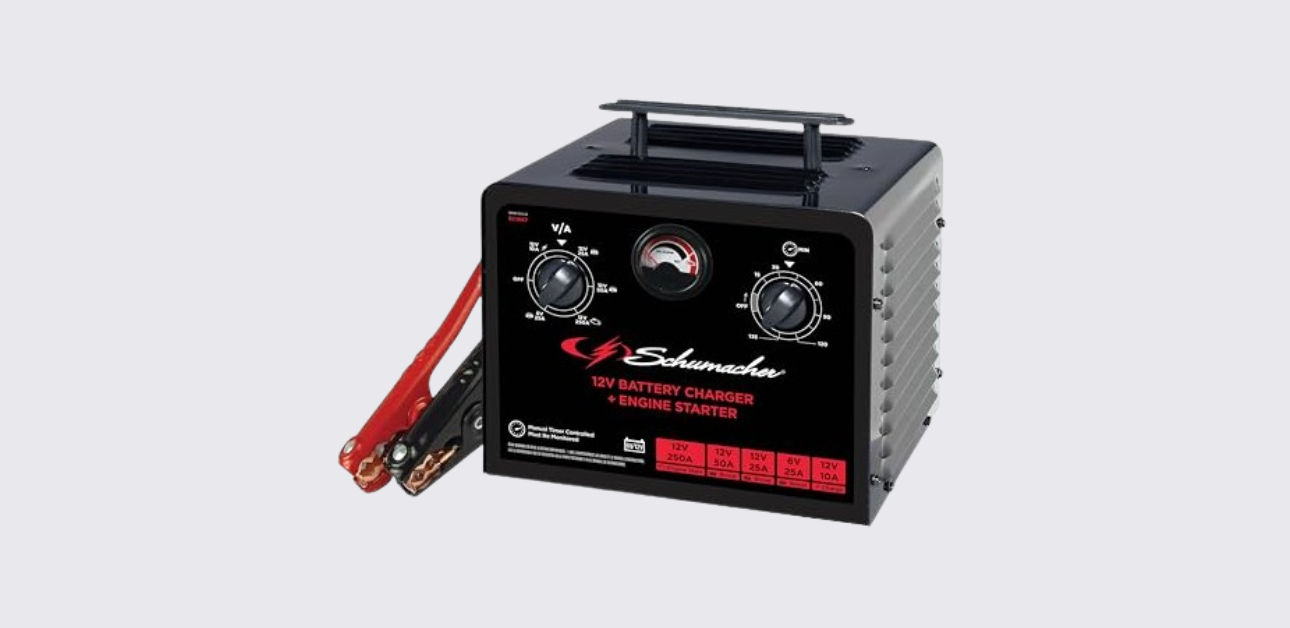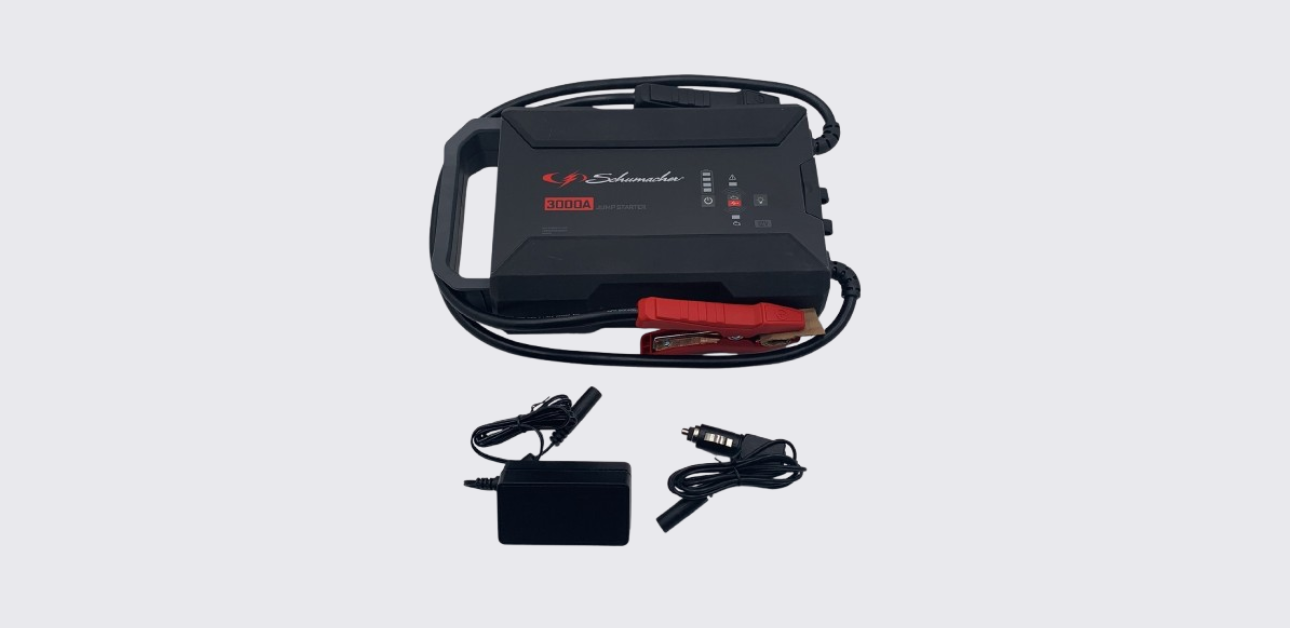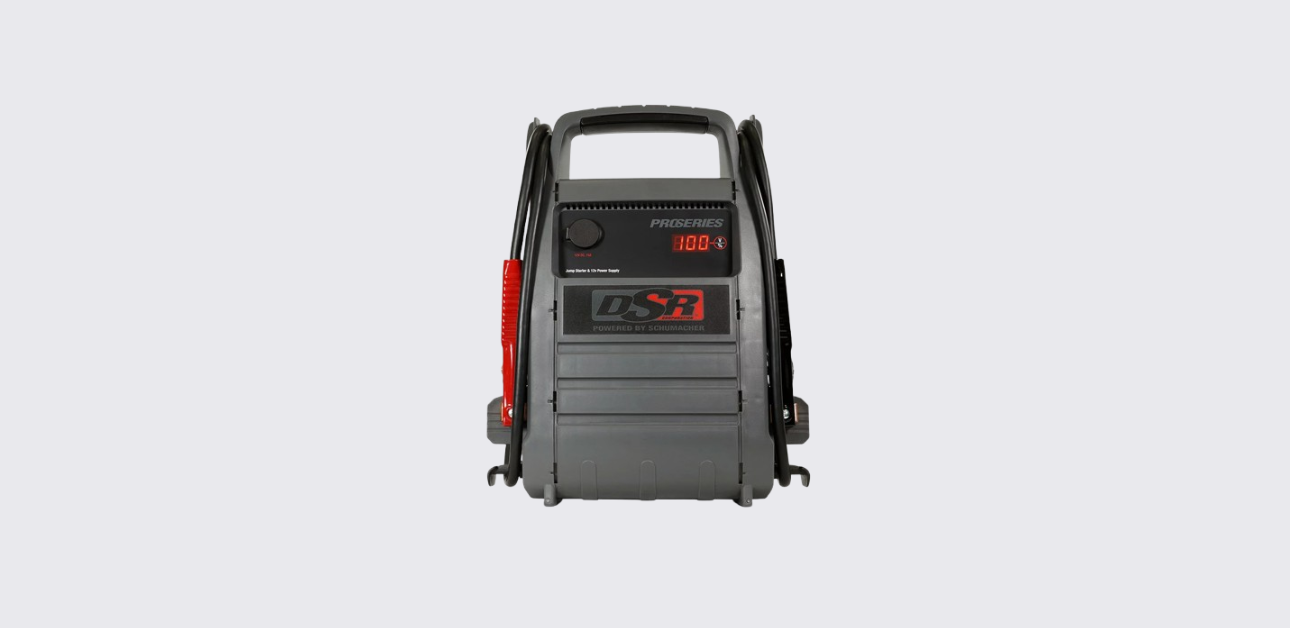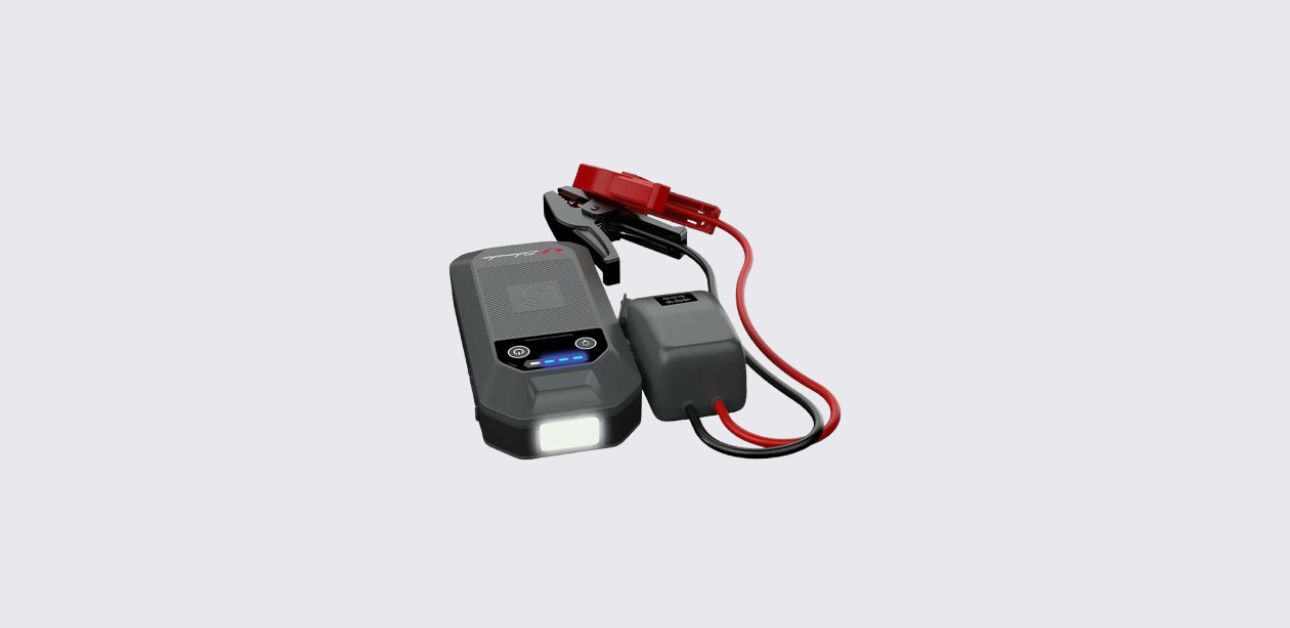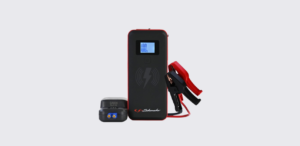
The Schumacher SL1643 Jump Starter Power Pack is a compact lithium-ion emergency power solution designed for jump starting vehicles, charging mobile devices, and providing portable lighting. With a powerful 2000-peak-amp output, USB charging ports, wireless charging capabilities, and built-in safety protections, it serves as a convenient emergency companion for drivers and travellers.
Product Overview
The Schumacher SL1643 combines multiple functions into one portable device:
- Vehicle jump starter
- USB power bank
- Fast-charging USB source
- Qi wireless charger
- Emergency LED flashlight
- Portable backup power pack
The unit is designed specifically for 12-volt vehicle batteries and should only be used according to the manufacturer’s instructions. It includes intelligent safety circuitry and a smart battery clamp cable that helps prevent incorrect connections and common jump-starting errors.
Package Contents
The SL1643 package includes the essential accessories needed for operation.
Included Components
| Item | Purpose |
| Schumacher SL1643 Power Pack | Main jump starter unit |
| Smart Battery Clamp Cable (SA939) | Vehicle battery connection |
| USB Charging Cable | Recharging the unit |
| Carrying Bag | Storage and transport |
| Owner’s Manual | Operating instructions |
The smart battery cable includes built-in protection circuitry that helps detect connection errors and abnormal operating conditions.
Parts and Controls
The product layout shown in the manual identifies several important controls and connection points.
Main Components
| Part | Function |
| Display Button | Activates display and controls LED light |
| LCD Display | Shows battery percentage and charging status |
| Jump Start Output Socket | Connects smart clamp cable |
| LED Light | Emergency flashlight |
| USB Input Port (2A) | Recharges the jump starter |
| USB Output Port (2.4A) | Standard device charging |
| USB Fast Charge Port (3A) | Rapid charging compatible devices |
| Wireless Charging Pad | Qi-enabled device charging |
| Smart Battery Clamps | Vehicle battery connection |
The LCD display provides charge status information, making it easy to monitor battery capacity before use.
Key Features
The Schumacher SL1643 offers several practical features that make it useful beyond emergency jump starting.
2000 Peak Amp Jump Starting
The unit delivers up to 2000 peak amps for starting vehicles with weak or discharged batteries. This output is sufficient for many cars, trucks, SUVs, and recreational vehicles equipped with 12V battery systems.
USB Charging
Two USB charging ports support mobile devices:
- Standard USB output: 5V DC, 2.4A
- Fast charging USB output:
- 5V / 3A
- 9V / 2A
- 12V / 1.5A
These ports allow charging of phones, tablets, wireless accessories, GPS units, and other portable electronics.
Wireless Charging
The built-in Qi-compatible wireless charging pad provides up to 10 watts of charging power for compatible smartphones and mobile devices.
Integrated LED Light
The emergency light offers multiple operating modes:
- Constant illumination
- SOS flashing signal
- Strobe flashing mode
These lighting options are useful during roadside emergencies or low-light conditions.
Important Safety Guidelines
Before operating the SL1643, users should understand the major safety precautions outlined in the manual.
Battery Safety
Lead-acid batteries generate explosive gases during normal operation. Always:
- Keep sparks and flames away from batteries.
- Work in a well-ventilated area.
- Never smoke near batteries.
- Keep clamps from touching each other.
- Verify battery polarity before connecting clamps.
Failure to follow these precautions could result in battery explosion, injury, or property damage.
Personal Protection
When working near vehicle batteries:
- Wear eye protection.
- Wear protective clothing.
- Remove rings, watches, and jewelry.
- Keep soap, water, and baking soda nearby.
- Avoid touching your eyes during battery service.
Battery acid can cause severe burns and requires immediate flushing and medical attention if contact occurs.
Lithium Battery Precautions
The SL1643 contains a lithium-ion polymer battery.
Never:
- Disassemble the unit.
- Modify internal components.
- Expose the unit to fire.
- Expose the battery to temperatures above 265°F (130°C).
Improper handling may create fire or explosion hazards.
Charging the Schumacher SL1643
Proper charging is critical for maintaining performance and extending battery life.
Recommended Charging Schedule
The manufacturer recommends charging:
- Immediately after purchase
- After every use
- Every 30 days during storage
- Whenever battery level falls below 85%
Following this schedule helps maximize battery lifespan and ensures emergency readiness.
Checking Battery Charge Level
- Press the Display button.
- View the battery percentage on the LCD screen.
- Recharge the unit if the display shows less than 85%.
A fully charged battery displays 100%.
Charging Procedure
The SL1643 uses a 2A USB charger (not included).
Steps
- Connect the USB charging cable to the jump starter.
- Connect the other end to a 2A USB charger.
- Plug the charger into a live AC or DC outlet.
- The display will illuminate and show “IN”.
- Allow charging to continue until the display reaches 100%.
- Disconnect the charger and cable.
Charging Time
| Charging Method | Approximate Time |
| 2A USB Charger | 7–8 Hours |
The LCD display indicates charging progress throughout the charging cycle.
How to Jump Start a Vehicle
The jump starter is designed for vehicles with 12-volt electrical systems. The internal battery should be at least 40% charged before attempting a jump start.
Before Starting
Ensure that:
- The vehicle uses a 12V battery.
- The jump starter is charged above 40%.
- All vehicle accessories are turned off.
- The smart cable is properly connected.
Jump Starting Procedure
- Plug the smart clamp cable into the jump starter output socket.
- Position cables away from moving engine parts.
- Connect the red clamp to the battery’s positive terminal.
- Connect the black clamp to a suitable chassis ground or engine block.
- Verify that the green Ready LED illuminates.
- Start the vehicle.
If the engine fails to start:
- Crank for only 5–8 seconds.
- Wait at least one minute before another attempt.
- Do not exceed three consecutive attempts.
If the vehicle still fails to start, seek professional service.
Cold Weather Starting Tips
Cold temperatures can reduce lithium battery performance.
If only a clicking sound is heard:
- Leave the jump starter connected.
- Turn on vehicle lights and accessories for one minute.
- This warms the internal battery.
- Attempt another start.
Very cold conditions may require repeating this process multiple times.
Disconnecting After Starting
Once the engine starts:
- Disconnect the smart cable from the jump starter.
- Remove the black clamp.
- Remove the red clamp.
- Recharge the jump starter as soon as possible.
Proper recharging helps maintain battery readiness.
Understanding Smart Cable Indicators
The included smart cable continuously monitors connection conditions and provides visual warnings.
LED Status Guide
| Indicator Status | Meaning |
| Green LED Blinking | Cable connected only to jump starter |
| Green LED Solid | Proper battery connection |
| Red LEDs Solid + Fast Beeping | Reverse polarity |
| No LEDs | Battery depleted or poor connection |
| Red Fault LED + Fast Beeping | Short circuit |
| Red & Green LEDs + Slow Beep | Temperature protection |
The cable automatically resets once abnormal conditions are corrected.
Charging Mobile Devices
The SL1643 functions as a portable charging station.
Standard USB Charging
The standard USB port provides:
- 5V DC
- Up to 2.4 amps
Suitable for:
- Smartphones
- Tablets
- Bluetooth accessories
- Portable electronics
Fast USB Charging
The fast-charge port supports:
| Output | Rating |
| 5V | 3A |
| 9V | 2A |
| 12V | 1.5A |
Charging begins automatically after connecting a compatible device. The display indicates which USB port is active.
Using Wireless Charging
The built-in Qi charging pad offers cable-free charging.
Wireless Charging Steps
- Confirm the device supports Qi charging.
- Place the device face-up on the charging pad.
- Charging begins automatically.
- Remove the device after charging completes.
The charging pad delivers up to 10 watts of power for compatible devices.
Using the LED Emergency Light
The LED light provides convenient illumination during roadside emergencies.
Light Modes
| Mode | Function |
| Steady | Continuous lighting |
| SOS | Emergency signaling |
| Strobe | Visibility warning |
Operating the Light
- Press and hold the Display button for two seconds.
- Press again to cycle through available modes.
- Hold the button to turn the light off.
Recharge the unit after extended light use.
Maintenance
Routine maintenance helps ensure dependable performance.
Cleaning
After use:
- Disconnect all cables.
- Wipe the unit with a dry cloth.
- Remove dirt, oil, and corrosion from clamps and cables.
- Keep ports clean and dry.
Service
The SL1643 contains no user-serviceable internal components.
Do not open the housing. Service should be performed only by qualified technicians.
Storage Instructions
Proper storage protects battery health.
Recommended Storage Conditions
| Condition | Recommendation |
| Temperature | 14°F to 113°F (-10°C to 45°C) |
| Battery Status | Fully charged |
| Maintenance Charging | Monthly |
Storage Tips
- Charge before storage.
- Recharge after every use.
- Never completely discharge the battery.
- Recharge monthly if not used regularly.
These practices help prevent battery degradation and over-discharge.
Troubleshooting
Display Does Not Turn On
Possible causes:
- Battery discharged
- Internal protection activated
Solution:
- Recharge the unit.
- Connect to a power source to reset.
Thermometer Symbol Flashing
Cause:
- Unit temperature outside operating range
Solution:
- Move the unit to a suitable temperature environment and wait until the warning disappears.
Unit Will Not Recharge
Cause:
- No power from charging source
Solution:
- Verify outlet power and charger operation.
Vehicle Will Not Start
Possible causes:
- Poor clamp connections
- Battery charge below 40%
- Vehicle battery failure
Solution:
- Check all connections.
- Recharge the jump starter.
- Do not exceed three starting attempts.
- Consult a qualified technician if necessary.
Technical Specifications
| Specification | Value |
| Battery Type | Lithium-Ion Polymer |
| Capacity | 59.2 Wh |
| Peak Jump Current | 2000A |
| USB Input | 2A |
| Standard USB Output | 5V DC, 2.4A |
| Fast Charge USB Output | 5V/3A, 9V/2A, 12V/1.5A |
| Wireless Charging Output | 10W |
| Charging Temperature | 32°F to 113°F (0°C to 45°C) |
| Discharge Temperature | -4°F to 140°F (-20°C to 60°C) |
These specifications provide a balance of portability, emergency starting capability, and device charging performance.
Replacement Parts
Genuine Schumacher Parts
| Part | Part Number |
| Smart Battery Clamp Cable | 94500939Z |
| USB Charging Cable | 3899004188Z |
Using genuine replacement parts helps ensure compatibility and safe operation.
Warranty and Customer Support
The Schumacher SL1643 is covered by a one-year limited warranty. Warranty details can be obtained directly from Schumacher Electric.
Support Resources
Website: schumacherelectric.com
Warranty Support:
1-800-621-5485
Repairs and Returns:
365rma.com