
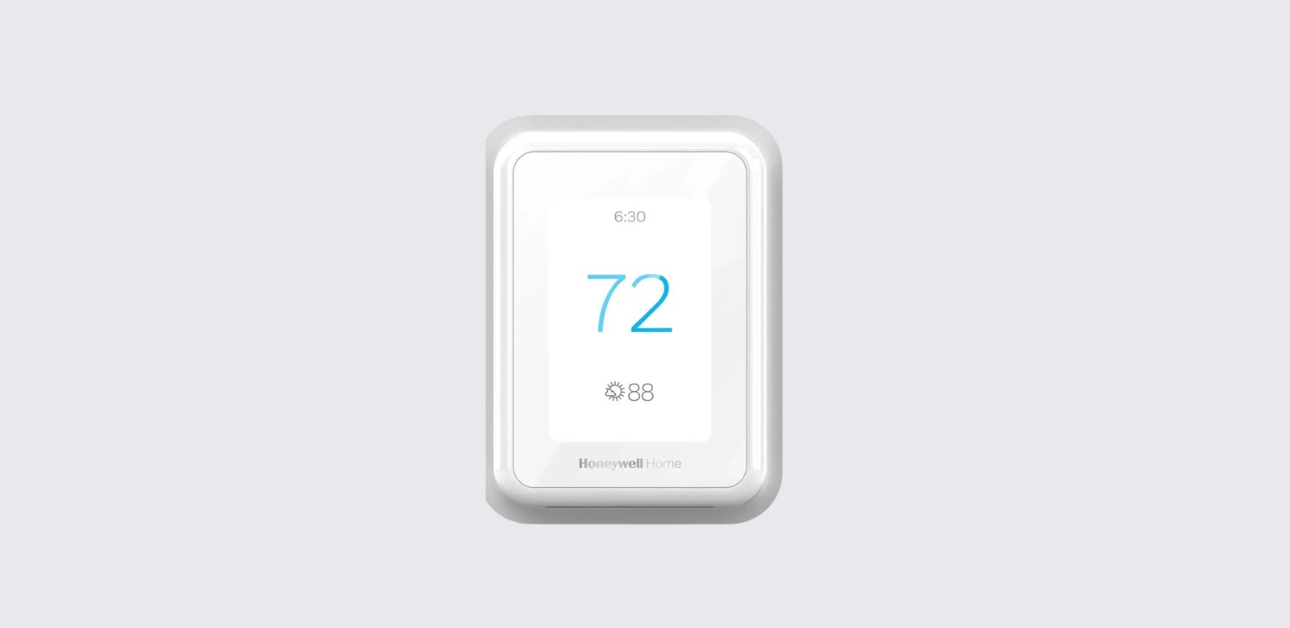
This comprehensive Honeywell T9 smart thermostat user guide explains how to set up, configure, and operate your smart climate control system effectively.
The device is designed to deliver intelligent temperature automation, room-based comfort management, and remote HVAC control using advanced wireless sensors and smart scheduling features.
According to the official documentation , the thermostat integrates scheduling automation, adaptive recovery, and wireless sensor zoning to improve comfort while optimizing energy usage.
Overview of Honeywell T9 Smart Thermostat
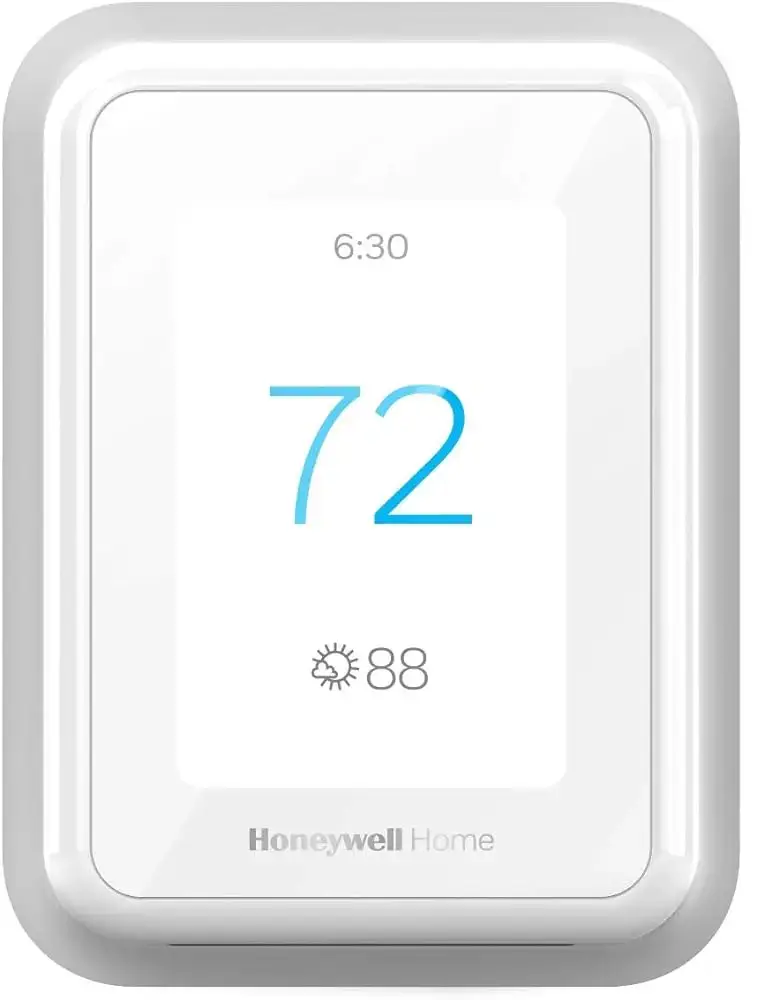
The Honeywell T9 is a Wi-Fi enabled programmable thermostat built for modern smart homes. It supports room-by-room temperature balancing and occupancy detection through smart sensors.
Key Features
- Smart room sensor compatibility
- Time-based and geofence scheduling
- Remote access via mobile app
- Adaptive Intelligent Recovery technology
- Auto heating and cooling changeover
- HVAC system protection controls
- Maintenance alerts and diagnostics
These features help create a balanced indoor climate environment with reduced manual intervention.
Thermostat Interface and Main Controls
Understanding the interface helps improve daily operation.
Touchscreen Display Functions
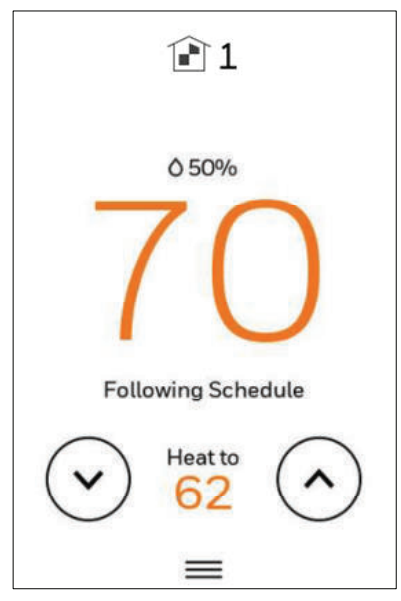
- Current room temperature
- Target temperature setting
- System mode status (Heat / Cool / Auto / Off)
- Fan operation indicator
- Wi-Fi connectivity status
- Sensor activity indicators
The intuitive touchscreen allows quick adjustments without navigating complex menus.
Smart Scheduling and Temperature Automation
The thermostat supports multiple scheduling approaches to match household routines.
Time-Based Scheduling
You can create temperature programs for different periods:
- Wake
- Away
- Home
- Sleep
These schedules help maintain comfort while reducing energy consumption during inactive periods.
Geofence Scheduling
Using location tracking, the thermostat can:
- Adjust temperature when you leave home
- Restore comfort settings before you return
This automation helps maintain efficient HVAC operation.
Temporary Schedule Override
If you need immediate comfort adjustment:
- Change the temperature on the display
- The system will hold the new setting until the next scheduled period
This feature is useful during unexpected routine changes.
Honeywell X2S Smart Thermostat RTH2SMC Installation Guide
Smart Room Sensor Integration
One of the most advanced capabilities of the Honeywell T9 is sensor-driven comfort zoning.
Sensor Capabilities
- Detect motion to identify occupied rooms
- Measure temperature in multiple areas
- Prioritize active rooms for comfort control
- Communicate wirelessly using RedLINK technology
According to the guide , multiple sensors can be added to improve temperature balance across larger homes.
Adding a Room Sensor
- Open thermostat menu
- Select sensor setup option
- Activate sensor pairing mode
- Confirm sensor detection on screen
Proper placement improves system accuracy and comfort performance.
System Mode Settings
The thermostat supports flexible HVAC operation modes.
Available Modes
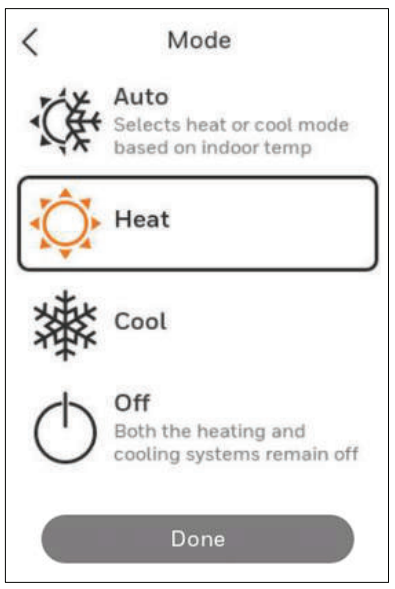
- Heat – Activates heating system
- Cool – Activates air conditioning
- Auto – Automatically switches between heating and cooling
- Off – Turns HVAC system off
Emergency Heat Mode
This mode is used in heat pump systems when auxiliary heating is required. It temporarily bypasses normal compressor operation.
Fan Operation Settings
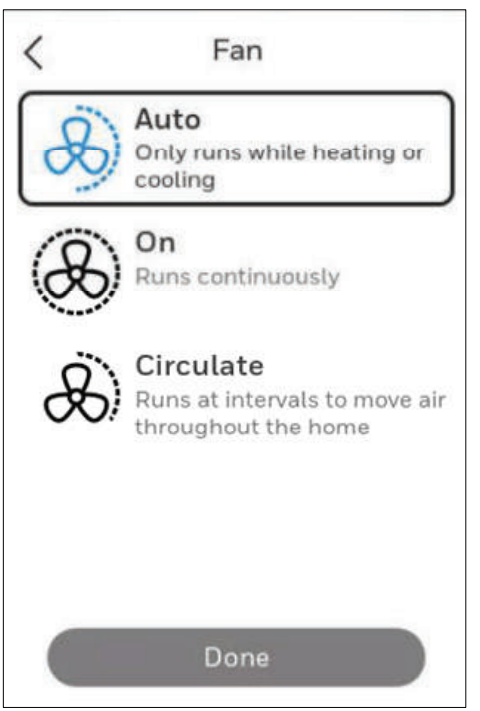
Fan control can improve indoor air circulation.
Fan Modes
- Auto: Fan runs only during heating or cooling cycles
- On: Fan runs continuously
Continuous airflow can help maintain consistent temperature distribution.
Adaptive Intelligent Recovery Technology
The thermostat uses predictive logic to reach the desired temperature on schedule.
- Learns HVAC performance patterns
- Starts heating or cooling early
- Ensures comfort at programmed times
This technology helps maintain consistent indoor climate stability.
Compressor Protection Function
To protect HVAC equipment, the thermostat includes built-in safety delays.
- Prevents rapid system cycling
- Displays waiting notification during protection period
This helps extend compressor lifespan.
Wi-Fi Connection and Smart App Control
Remote access is enabled through wireless network connection.
Connecting to Wi-Fi
- Open thermostat network settings
- Select available home network
- Enter Wi-Fi credentials
- Confirm successful connection
You can then control the thermostat using the Resideo smart home app.
Benefits of App Control
- Change temperature remotely
- Manage schedules
- Receive maintenance alerts
- Monitor sensor activity
This improves convenience and overall climate control efficiency.
@coolingbypoulin 🌡️🧠Thermostats got smarter, and so can your home. This one is the Honeywell T9/T10, and it lets you: ✔️ Control the temperature, room by room ✔️ Schedule your week exactly how you want ✔️ Manage it all from your phone Follow for more smart HVAC tips. #HVACTech #HoneywellT9 #CoolingSolutions ♬ original sound – Marcus Poulin HVAC
Alerts, Notifications and Maintenance Reminders
The thermostat provides helpful system alerts.
Common Notifications
- Low sensor battery warning
- HVAC performance alerts
- Connectivity issues
- Extreme indoor temperature conditions
- Filter replacement reminders
These alerts support proactive system maintenance.
Cleaning and Screen Maintenance
To clean the thermostat display safely:
- Activate screen cleaning mode
- Use a soft dry cloth
- Avoid moisture or chemical cleaners
Regular cleaning ensures display visibility and responsiveness.
Honeywell T5+ Smart Thermostat Quick Install Guide
Troubleshooting Common Issues
Thermostat Not Connecting to Wi-Fi
- Check router distance
- Restart thermostat
- Verify network credentials
Incorrect Temperature Readings
- Ensure sensors are placed away from vents
- Avoid direct sunlight exposure
- Confirm sensor pairing status
HVAC System Not Responding
- Check system mode settings
- Confirm power supply
- Inspect wiring connections
If problems continue, professional HVAC inspection may be required.
Technical Specifications Overview
| Feature | Description |
| Connectivity | Wi-Fi enabled smart thermostat |
| Power Source | 24V HVAC system (C-wire required) |
| Sensor Communication | RedLINK wireless technology |
| Scheduling Types | Time-based and geofence |
| Smart Integration | Mobile app & smart home systems |
Warranty and Customer Support
For assistance, users can contact Honeywell Home / Resideo support services.
Official Support Website:
https://www.honeywellhome.com
Customer Help:
https://customer.resideo.com
Resideo Technologies Inc.
1985 Douglas Drive North
Golden Valley, MN 55422
United States
Support resources include installation help, troubleshooting guides, and warranty service information.