
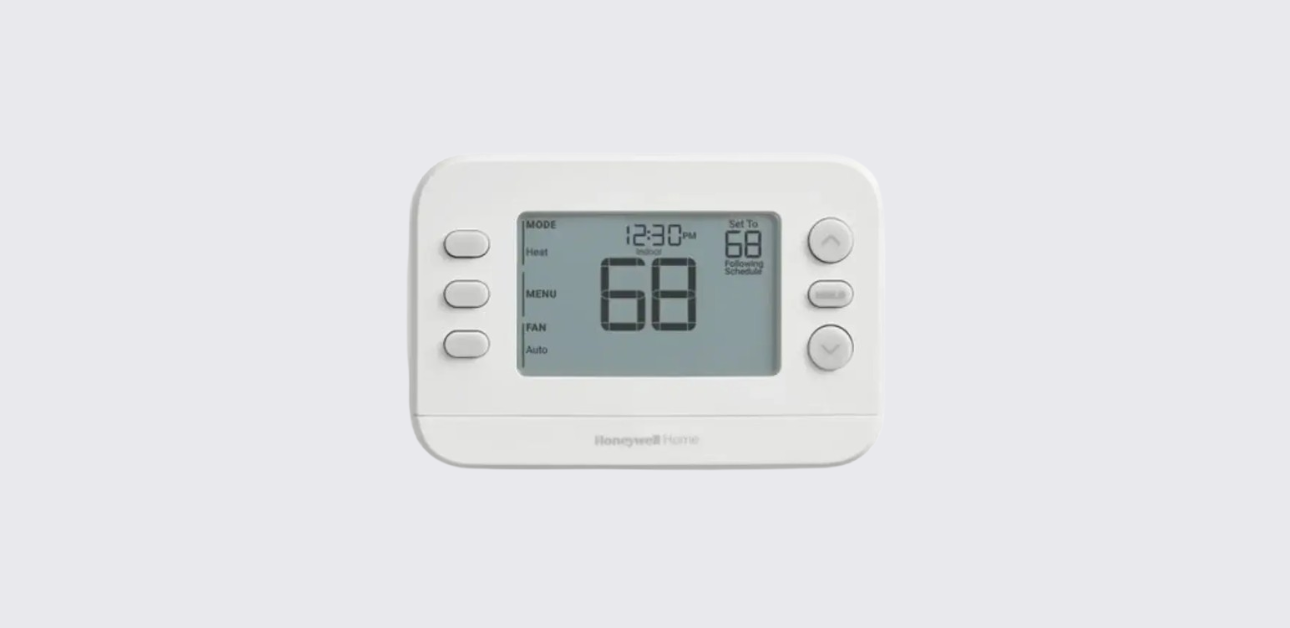
This Honeywell FocusPRO P200 Series thermostat user guide explains how to operate, program, and troubleshoot your thermostat for effective indoor temperature management.
The thermostat is designed for residential HVAC comfort control, providing programmable scheduling, airflow management options, and system alerts that help maintain reliable heating and cooling performance.
Following the official user documentation , the thermostat uses a structured button-driven interface that enables quick adjustments and clear status monitoring.
Thermostat Overview
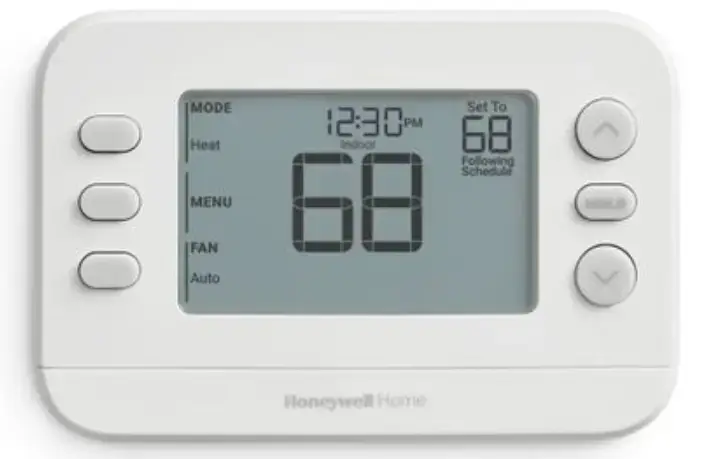
The Honeywell FocusPRO P200 thermostat is a programmable climate control device that helps homeowners manage indoor comfort efficiently.
Key Features
- Programmable temperature scheduling
- Multiple fan operation modes
- Manual system mode selection
- Equipment protection delay logic
- Diagnostic alerts and reminders
- Simple menu navigation interface
These features support energy savings and balanced comfort across different seasons.
Understanding the Thermostat Display
The thermostat screen provides real-time information about indoor climate and system operation.
Display Indicators
- Current indoor temperature
- Desired temperature setpoint
- Heating or cooling operation indicator
- Fan mode status
- Schedule follow icon
- Menu navigation prompts
These indicators allow users to quickly assess HVAC system performance.
System Mode Settings
The thermostat allows manual selection of HVAC operating mode.
Available Modes
- Heat: Activates heating system
- Cool: Activates air conditioning
- Auto: Automatically switches between heating and cooling
- Off: Turns system off
- Emergency Heat: Backup heating for heat pump systems
How to Change System Mode
- Press the MODE button.
- Continue pressing until desired mode appears.
- The thermostat will activate that mode automatically.
This enables quick temperature control adjustments based on weather conditions.
Fan Operation Modes
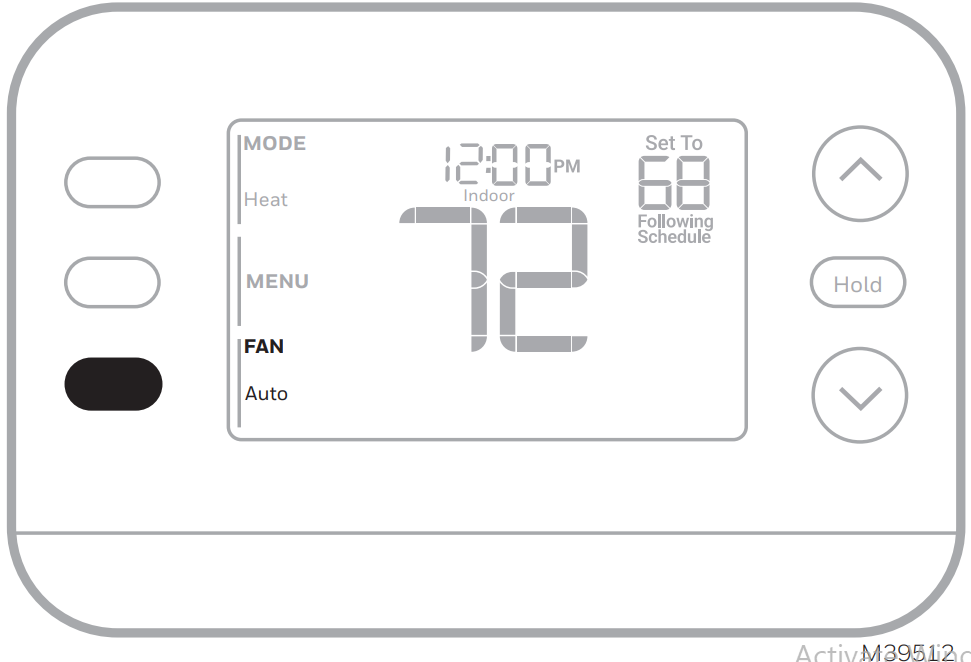
Proper airflow management helps maintain consistent indoor temperature distribution.
Fan Settings
| Fan Mode | Operation |
| Auto | Fan runs only during heating or cooling cycles |
| On | Fan runs continuously |
| Circulate | Fan runs periodically (about one-third of the time) |
Circulate mode can improve air mixing without continuous fan operation.
Setting Time and Date
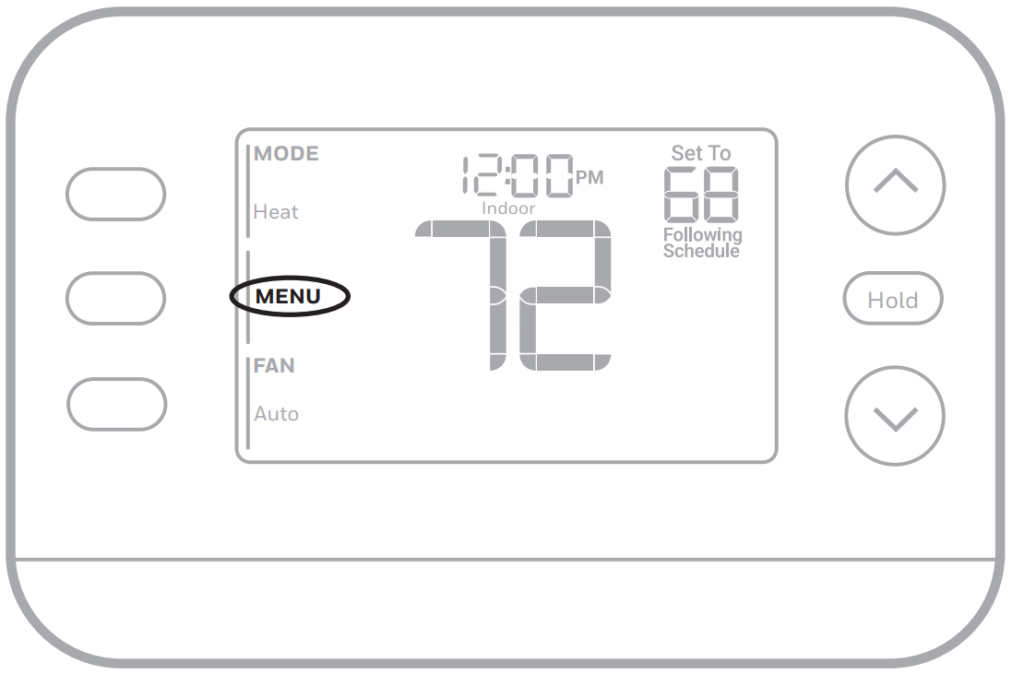
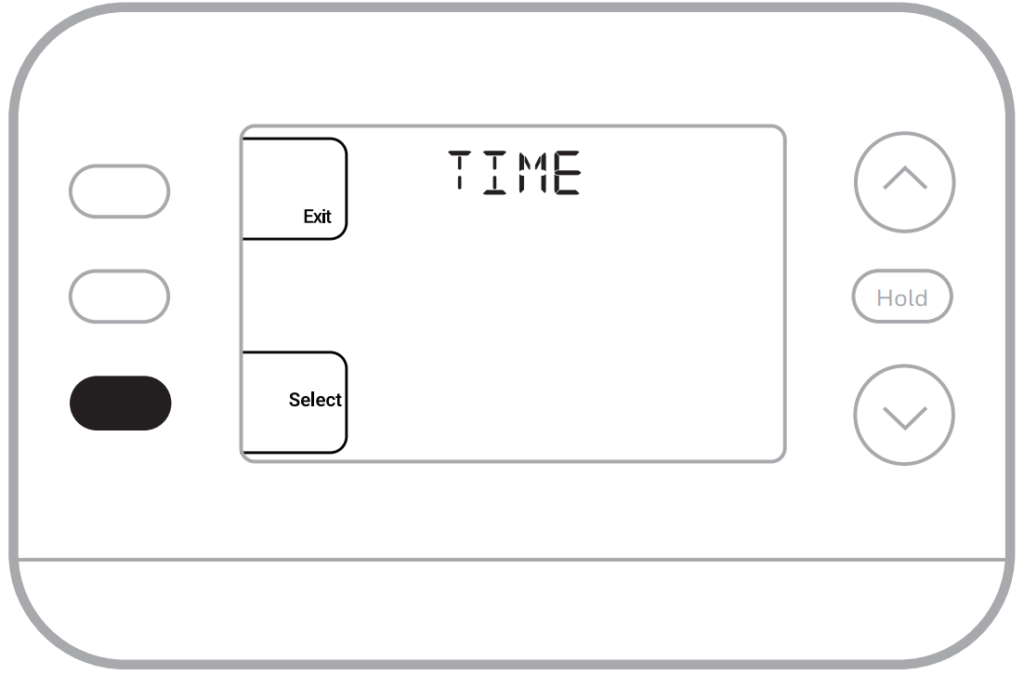
Correct time configuration ensures accurate schedule execution.
Configure Time
- Press Menu.
- Select Time.
- Choose 12-hour or 24-hour format.
- Adjust hour and minute settings.
- Save changes.
Configure Date
- Navigate to Menu → Date
- Adjust day, month, and year
- Confirm settings
Wi-Fi connectivity may allow automatic time synchronization.
Honeywell T4 Pro Programmable Thermostat User Guide
Programming Temperature Schedules
The thermostat supports structured daily scheduling periods.
Common Schedule Periods
- Wake
- Leave
- Return
- Sleep
Schedule Programming Steps
- Open Menu → Schedule.
- Enable scheduling feature.
- Select desired period.
- Set start time.
- Adjust heating and cooling setpoints.
Scheduling helps reduce energy consumption when the home is unoccupied.
Temporary Temperature Override
To manually adjust temperature outside programmed schedule:
- Press temperature adjustment buttons.
- Thermostat maintains new setting until the next schedule period begins.
This allows flexibility during unexpected routine changes.
Alerts and Maintenance Reminders
The thermostat displays alert codes to help identify system issues or maintenance needs.
Common Alert Codes
| Code | Meaning |
| 405 | Low battery warning |
| 407 | Critically low battery |
| 164 | Heat pump fault detected |
| 170 | Thermostat memory issue |
| 173 | Internal sensor error |
| 178 | Outdoor sensor fault |
| 181 | Air filter replacement reminder |
Responding promptly to alerts helps maintain system efficiency.
Compressor Protection Feature
The thermostat includes built-in protection to prevent equipment damage.
Restart Delay Behavior
- Display may show “Waiting for Equipment”
- System restart may be delayed about five minutes
- Prevents short cycling of compressor
Avoid repeated rapid temperature changes during this delay period.
Cooling Safety Recommendation
Do not operate cooling mode when outdoor temperature is below 50°F (10°C) to avoid system damage.
Troubleshooting Common Problems
Blank Thermostat Screen
Check the following:
- Circuit breaker power supply
- HVAC system power switch
- Furnace door panel position
Unable to Adjust Temperature
Possible reasons include:
- Thermostat lockout feature enabled
- Installer-configured temperature limits
These quick diagnostic steps can restore normal operation.
Honeywell T6 Pro Thermostat Installation Guide
Manufacturer Support and Contact Details
For setup assistance or warranty inquiries:
Honeywell Home Support Website:
https://www.honeywellhome.com
Customer Support Phone:
1-800-633-3991
Manufacturer:
Resideo Technologies Inc.
1985 Douglas Drive North
Golden Valley, Minnesota, USA
These official channels provide technical guidance and product service support.
Best Practices for Efficient Thermostat Use
- Update schedules seasonally for optimal comfort
- Use circulate fan mode for better air distribution
- Replace batteries promptly when alerts appear
- Avoid frequent manual overrides
- Schedule regular HVAC maintenance
Following these practices helps ensure reliable climate control and energy-efficient operation.