The Honeywell T6 Pro programmable thermostat is designed to provide accurate temperature control, energy-efficient scheduling, and intelligent HVAC system management for residential environments.
This user guide explains how to operate the thermostat, configure schedules, manage comfort settings, and maintain reliable performance.
Understanding these features helps users improve indoor comfort while reducing unnecessary energy usage.
Thermostat Overview
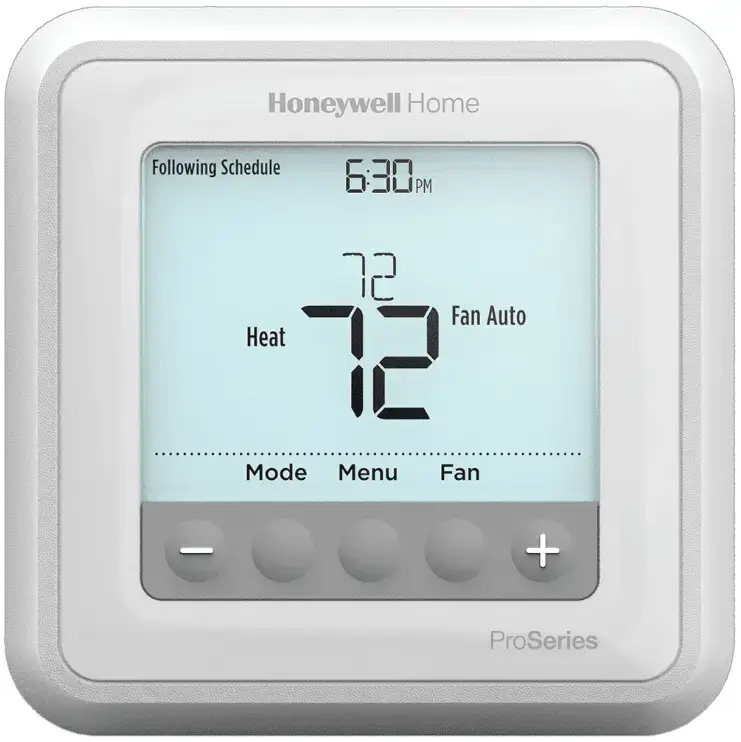
The T6 Pro thermostat offers a user-friendly interface combined with advanced temperature control logic. It supports both conventional and heat pump HVAC systems and allows flexible comfort scheduling.
Key Features
- Programmable daily temperature scheduling
- Multiple HVAC system modes
- Fan operation control
- Temporary and permanent temperature hold
- Adaptive Intelligent Recovery technology
- Compressor protection delay
- Maintenance reminders and alerts
These features work together to deliver consistent indoor climate control and optimized system efficiency.
Understanding Thermostat Controls
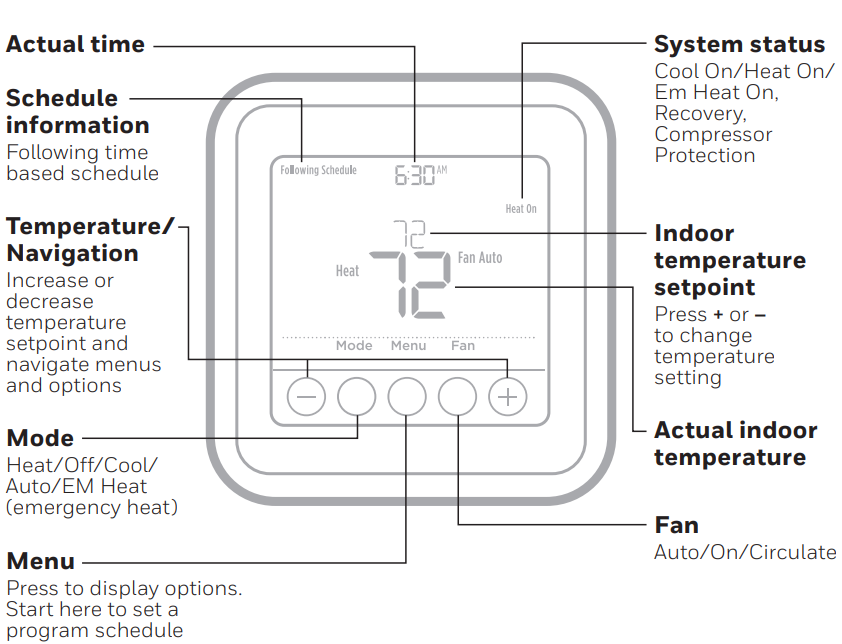
Display Screen Indicators
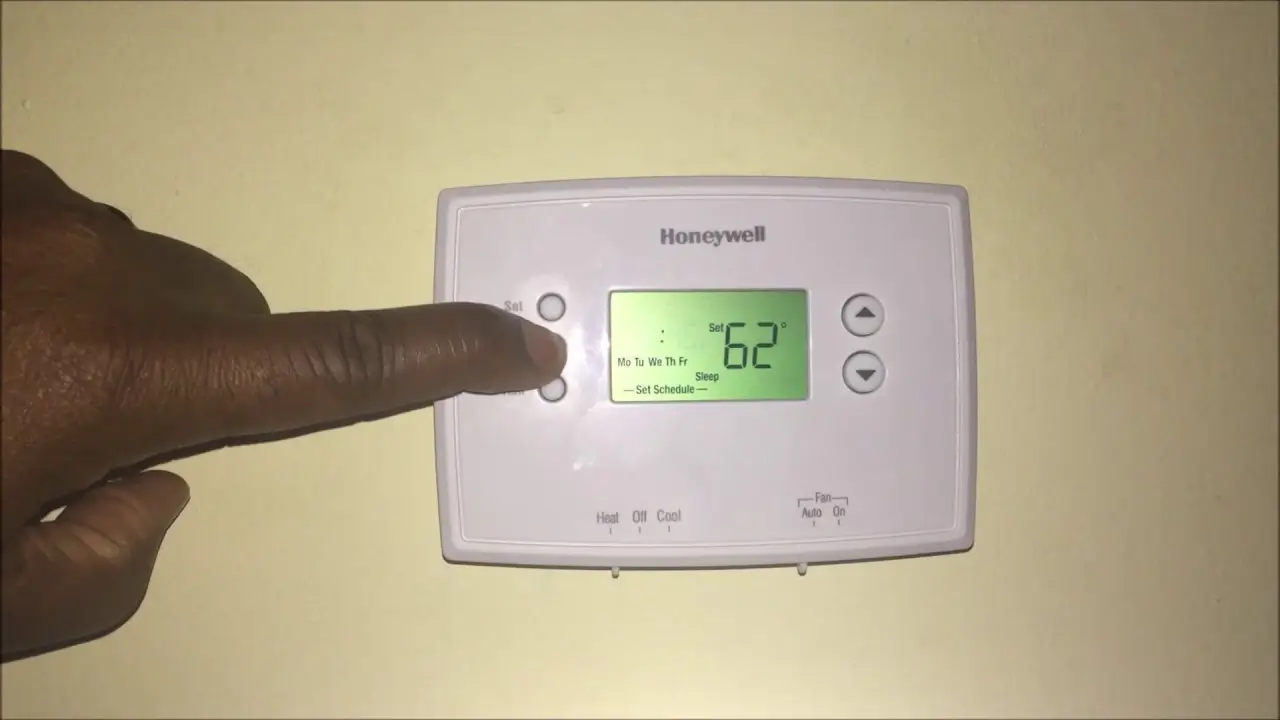
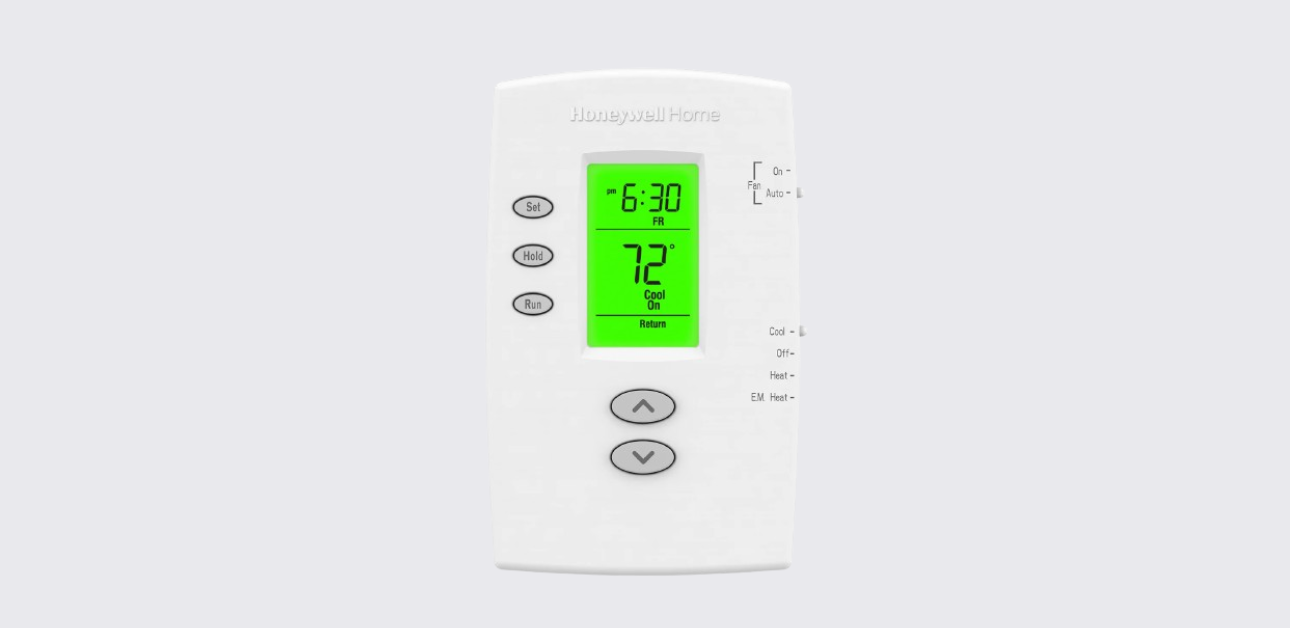
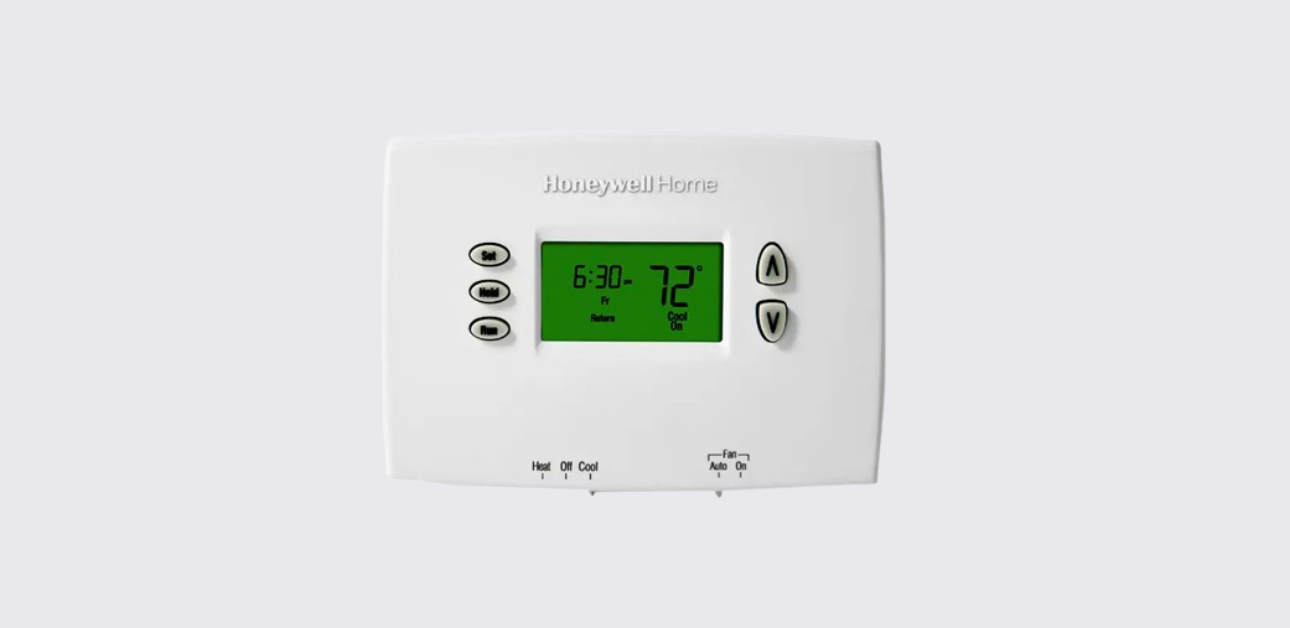
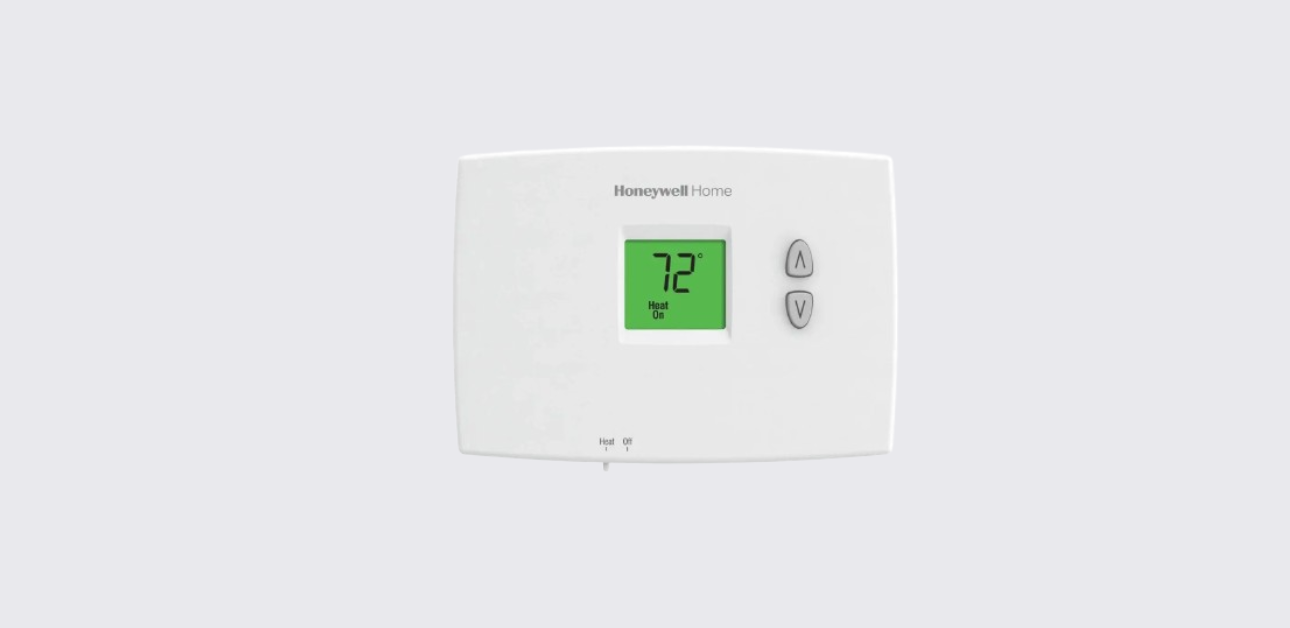
The thermostat display provides real-time information including:
- Current room temperature
- Set temperature point
- Active system mode (Heat, Cool, Auto, Off)
- Fan status
- Program schedule period
- Alerts such as low battery or filter reminders
Clear display indicators help users quickly assess system operation.
System Mode Settings
The thermostat allows switching between different operating modes depending on seasonal comfort requirements.
Available Modes
- Heat Mode: Activates heating equipment when room temperature drops below setpoint
- Cool Mode: Starts cooling system when indoor temperature rises above target
- Auto Mode: Automatically switches between heating and cooling
- Off Mode: Disables HVAC operation
- Emergency Heat: Used in heat pump systems during primary heating failure
Selecting the correct mode ensures efficient system performance.
Honeywell T6 Pro Thermostat Installation Guide
Fan Operation Options
The fan setting determines how indoor air circulates throughout the home.
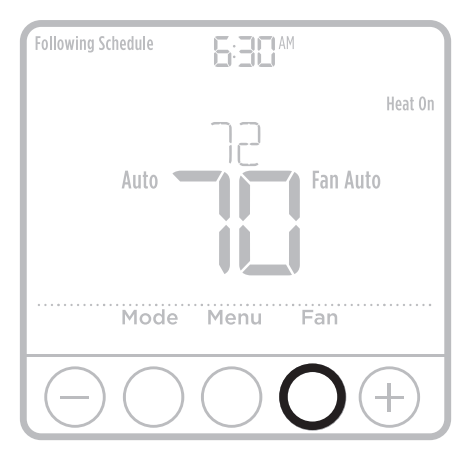
Fan Settings
- Auto: Fan runs only during heating or cooling cycles
- On: Fan runs continuously for better air circulation
Continuous airflow can improve indoor air quality and temperature balance.
Adjusting Temperature Settings
Changing the temperature setpoint is simple and helps maintain personalized comfort.
Steps to Adjust Temperature
- Press the up or down arrow buttons on the thermostat.
- Observe the updated set temperature on the display.
- The system automatically responds based on selected mode.
Temporary adjustments allow immediate comfort changes without altering programmed schedules.
Scheduling Temperature Programs
The Honeywell T6 Pro thermostat supports four daily scheduling periods to match typical household routines.
Default Program Periods
| Period | Typical Use |
| Wake | Morning comfort temperature |
| Away | Energy-saving daytime setting |
| Home | Evening comfort setting |
| Sleep | Overnight energy optimization |
Users can program different schedules for weekdays and weekends for improved efficiency.
How to Set a Schedule
- Access the menu and select scheduling mode.
- Choose the desired program period.
- Set preferred temperature and time.
- Repeat for remaining periods.
- Save settings to activate the schedule.
Proper scheduling helps reduce energy consumption without sacrificing comfort.
Honeywell T4 Pro Thermostat User Guide
Temporary and Permanent Hold Features
Temporary Hold
- Overrides programmed schedule until next scheduled period
- Useful for short-term comfort adjustments
Permanent Hold
- Maintains a fixed temperature continuously
- Remains active until manually cancelled
These features provide flexibility when daily routines change.
Adaptive Intelligent Recovery
This smart feature allows the thermostat to learn system performance patterns.
How It Works
- Starts heating or cooling earlier
- Ensures desired temperature is reached exactly at scheduled time
- Reduces temperature fluctuations
Adaptive recovery enhances both comfort consistency and energy savings.
Compressor Protection Function
The thermostat includes a built-in delay mechanism to protect HVAC equipment.
Protection Benefits
- Prevents rapid system cycling
- Extends compressor lifespan
- Improves system reliability
During protection delay, system status indicators may flash until operation resumes.
Alerts and Maintenance Reminders
The thermostat provides helpful notifications to maintain system efficiency.
Common Alerts
- Low battery warning
- Air filter replacement reminder
- System status notifications
Responding to alerts promptly helps maintain optimal HVAC performance.
Battery Replacement Instructions
Regular battery maintenance ensures uninterrupted thermostat operation.
Replacement Steps
- Remove thermostat from wallplate carefully.
- Insert fresh AA alkaline batteries in correct polarity.
- Reattach thermostat securely.
Replacing batteries annually is recommended for reliable performance.
Troubleshooting Common Issues
Thermostat Display is Blank
- Check battery condition
- Verify system power supply
- Ensure proper thermostat mounting
HVAC System Not Responding
- Confirm correct system mode selection
- Check temperature setpoint
- Allow compressor protection delay to complete
If issues persist, professional HVAC service may be required.
Best Practices for Efficient Operation
- Use programmed schedules instead of frequent manual adjustments
- Keep thermostat away from heat sources or drafts
- Replace air filters regularly
- Monitor alert notifications
- Maintain proper HVAC servicing intervals
Following these practices improves comfort and reduces energy costs.
Honeywell T10 Pro Thermostat Installation Guide
Support and Contact
For product assistance, installation help, or warranty support:
Honeywell Home Customer Support:
Website: https://www.honeywellhome.com/support
Customer Service Phone:
1-800-633-3991
Manufacturer:
Resideo Technologies Inc.
1985 Douglas Drive North
Golden Valley, MN, USA
Official support resources provide updated manuals, troubleshooting help, and expert guidance.