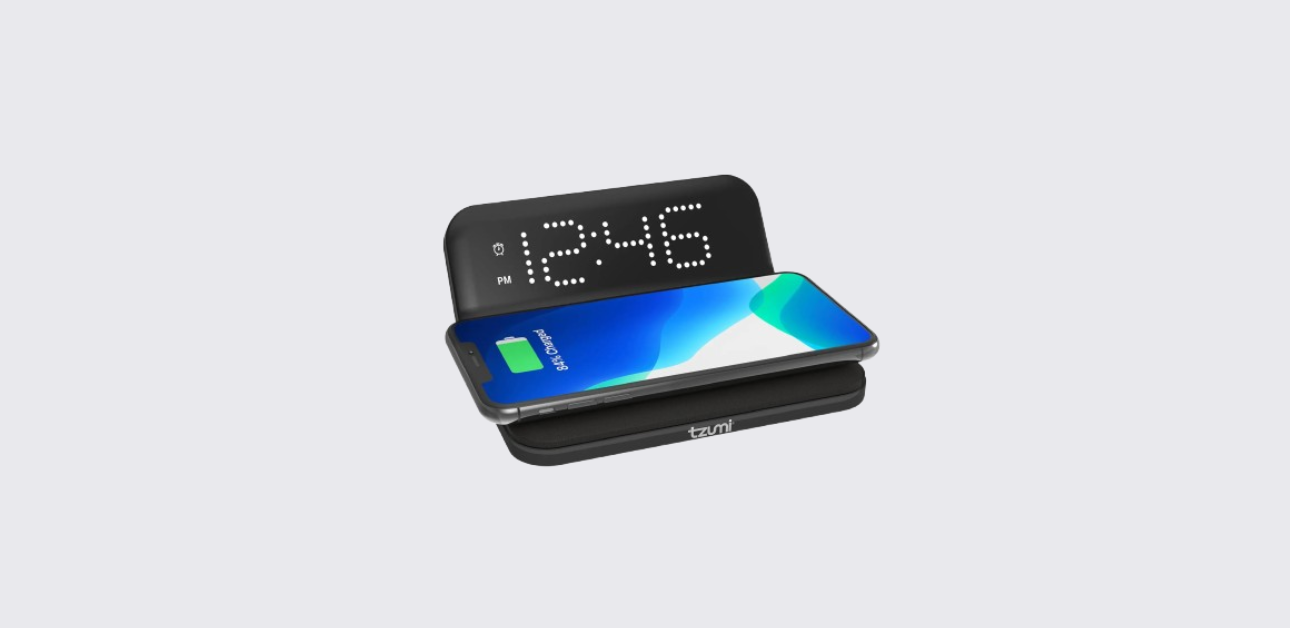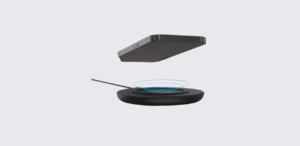
The TZUMI wireless charging pad is a compact and efficient charging solution designed to power smartphones and other compatible devices without cables. It uses wireless charging technology to deliver up to 10W of power, making everyday charging simple and clutter-free.
This manual explains how to set up, use, and maintain the charger step by step. Even if someone has never used a wireless charger before, this guide makes everything clear and easy to follow.
About TZUMI Charging Pad
The TZUMI charging pad offers a simple way to charge devices by placing them directly on the pad. It eliminates the need for plugging and unplugging cables, which helps reduce wear on charging ports.
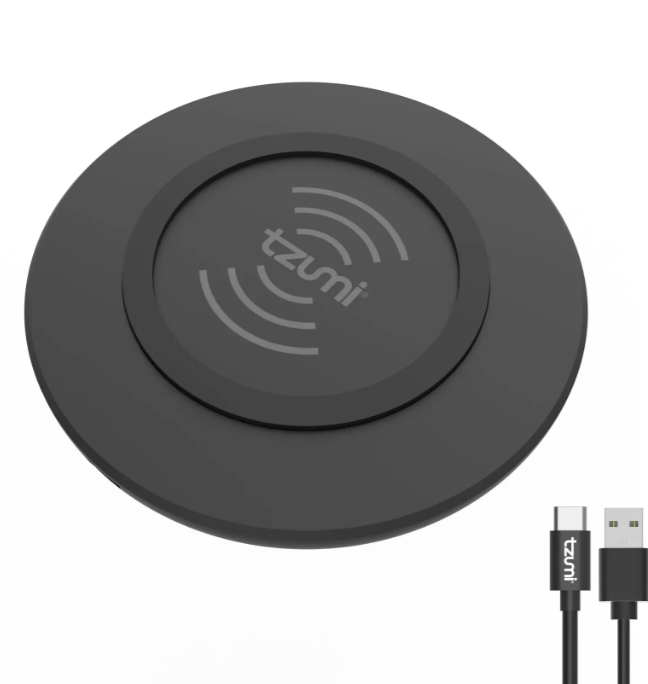
According to the official manual, the charger features a sleek, lightweight design with anti-slip support to keep devices stable during charging.
It is ideal for:
- Home desks
- Office setups
- Bedside tables
- Travel use
The compact design allows users to carry it easily and use it anywhere.
Key Features and Benefits
The charger includes practical features that improve usability and efficiency.
Core Features
- 10W wireless fast charging
- Qi-compatible device support
- Slim and lightweight design
- Anti-slip charging surface
- LED indicator for charging status
- Compact and travel-friendly build
These features make it a reliable option for everyday charging needs.
Product Components and Design
Understanding the components helps users set up the device correctly.
Main Components
- Wireless charging surface
- LED indicator light
- Micro-USB input port
The diagram in the official manual shows these components clearly and highlights how the charging area works.
The top surface is designed to hold the device securely while charging.
Package Contents
When users open the box, they will find:
- 1 Wireless Charging Pad
- 1 Micro-USB Cable
- 1 User Manual
Make sure all items are included before starting setup.
How to Set Up the TZUMI Charging Pad
Setting up the charging pad is quick and requires only a few steps.
Step-by-Step Setup Guide
- Connect the Micro-USB cable to the charging pad
- Plug the other end into a power adapter or USB port
- Place the charging pad on a flat, stable surface
- Ensure the surface is clean and free of dust
Once connected, the charger is ready to use.
How to Charge Your Device
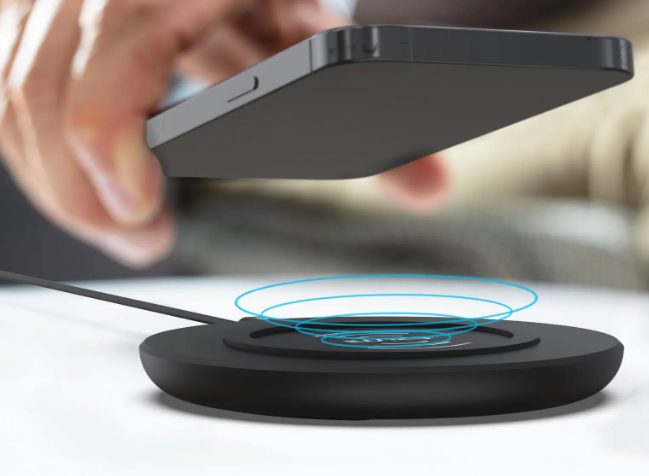
Using the TZUMI wireless charging pad is simple.
Charging Steps
- Place your Qi-compatible device on the center of the pad
- Make sure the device aligns properly with the charging area
- Check the LED indicator to confirm charging
- Leave the device on the pad until fully charged
According to the manual, proper alignment is important for efficient charging.
LED Indicator Guide
The LED light provides real-time feedback about charging status.
LED Behavior
| Indicator Status | Meaning |
| Solid Light | Charging in progress |
| Flashing Light | Misalignment or foreign object detected |
If the light flashes, users should reposition the device.
Device Compatibility
The TZUMI wireless charging pad supports:
- Qi-enabled smartphones
- Wireless earbuds
- Smartwatches (if compatible)
Important Notes
- Devices must support wireless charging
- Thick or metal cases may block charging
- Devices should be placed correctly for best performance
Charging Tips for Better Performance
Users can improve charging efficiency by following these tips:
- Place the device at the center of the pad
- Remove thick phone cases if charging fails
- Keep the charging surface clean
- Use a proper power adapter for stable output
These small adjustments help maintain consistent charging speed.
Cleaning and Maintenance
Proper care keeps the charger working effectively.
Cleaning Steps
- Disconnect the charger from power
- Use a soft, dry cloth to clean the surface
- Avoid using liquids or chemical cleaners
The official manual warns against using harsh cleaning agents, as they may damage the product.
Safety Guidelines
Users should follow these precautions to ensure safe use.
Important Safety Instructions
- Do not expose the charger to water or moisture
- Do not place metal objects on the charging surface
- Do not disassemble the device
- Keep away from heat sources
- Use only compatible devices
The manual also notes that charging may stop if the device overheats, which helps protect both the charger and the device.
TZUMI Pocket Juice Hyper Charge
Troubleshooting Common Issues
If the charger does not work as expected, users can try these solutions.
Problem: Device Not Charging
Solution:
- Check if the device supports wireless charging
- Ensure proper alignment on the pad
- Remove thick or metal cases
Problem: LED Light Flashing
Solution:
- Reposition the device
- Remove foreign objects
- Allow the charger to cool down
Problem: Slow Charging
Solution:
- Use a proper power adapter
- Ensure stable power connection
- Avoid using the device while charging
Most issues are easy to fix with simple adjustments.
Technical Specifications
| Feature | Details |
| Input | DC 5V / 2A |
| Output | 10W Wireless Charging |
| Charging Distance | ≤ 8mm |
| Dimensions | 100 x 100 x 12 mm |
These specifications show that the charger is compact and efficient.
Customer Support Information
If users need help with the TZUMI wireless charging pad, they can contact:
- Phone: 1-855-GO-TZUMI
- Email: support@tzumi.com
- Website: www.tzumi.com
Support is available for troubleshooting and product-related questions.
Frequently Asked Questions
How do users know if the device is charging?
The LED indicator shows a solid light when charging is active.
Why is the charger not working?
This may happen due to misalignment, incompatible devices, or foreign objects.
Can users charge through a phone case?
Yes, but thick or metal cases may block charging.
What does a flashing LED mean?
It indicates improper alignment or a foreign object on the pad.
Does the charger support fast charging?
Yes, it supports up to 10W wireless charging for compatible devices.