
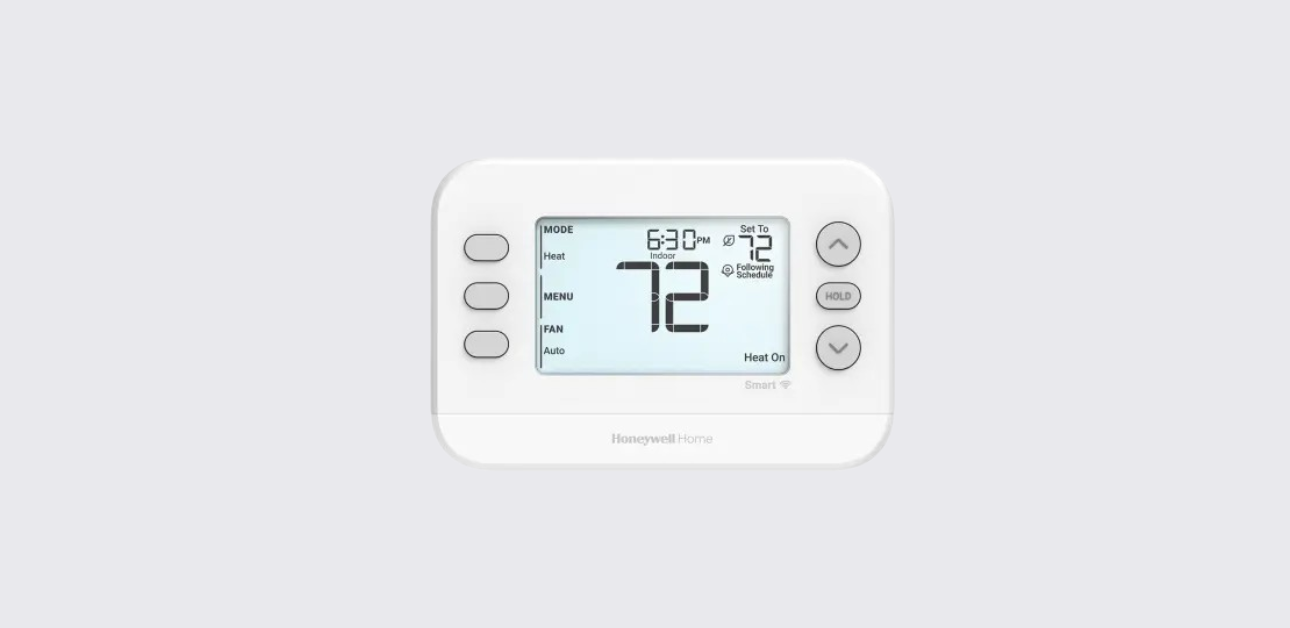
This Honeywell FocusPRO smart S200 series thermostat user guide explains how to operate, configure, and troubleshoot your programmable smart thermostat for efficient indoor comfort control.
The thermostat is designed for simple HVAC management with programmable scheduling, fan circulation options, and Wi-Fi smart connectivity, helping homeowners maintain balanced temperature and airflow throughout the home.
Based on the official user documentation , the device follows a structured menu-driven interface that allows users to manage system modes, schedules, and display settings easily.
Thermostat Overview
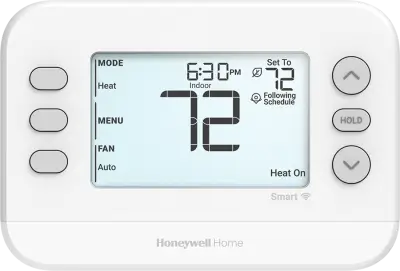
The Honeywell FocusPRO Smart S200 Series thermostat provides reliable heating and cooling control for residential HVAC systems.
Key Features
- Programmable temperature scheduling
- Multiple fan operation modes
- Wi-Fi connectivity and smart app integration
- Simple button-based navigation interface
- Compressor protection safety logic
- System status and humidity display indicators
These features support consistent indoor comfort and improved energy efficiency.
Understanding the Thermostat Display
The thermostat screen shows essential system and comfort information.
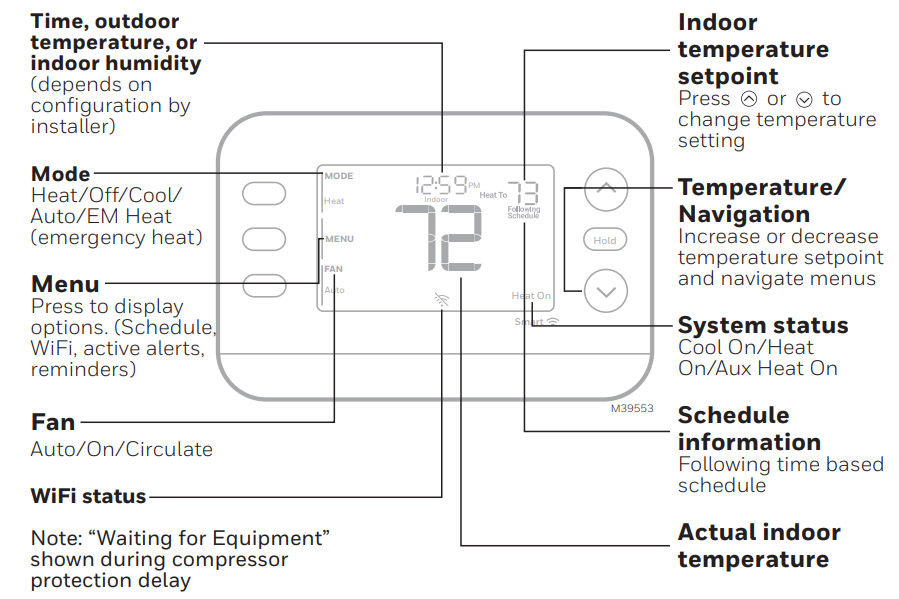
Display Indicators
- Current indoor temperature
- Desired temperature setpoint
- Heating or cooling system status
- Fan operation mode
- Wi-Fi connectivity status
- Schedule follow indicator
- Auxiliary heat notification (model dependent)
These indicators help users quickly monitor HVAC performance and comfort settings.
System Mode Settings
Users can control HVAC operation by selecting the desired system mode.
Available Modes
- Heat: Activates heating equipment
- Cool: Activates air conditioning
- Auto: Automatically switches between heating and cooling
- Off: Disables HVAC system
- Emergency Heat: Backup heating for heat pump systems
How to Change Mode
- Press the MODE button repeatedly.
- Stop when the desired mode appears on the screen.
- The thermostat will activate the selected system automatically.
This simple control design supports fast manual climate adjustments.
Honeywell FocusPRO S200 Series Thermostat Installation Manual
Fan Operation Settings
Proper fan configuration improves indoor air circulation and comfort.
Fan Mode Options
| Fan Mode | Operation Behavior |
|---|---|
| Auto | Runs only during heating or cooling cycles |
| On | Runs continuously |
| Circulate | Runs intermittently (about one-third of the time) |
The circulate option helps maintain consistent airflow distribution without constant fan operation.
Setting Time and Date
Accurate time configuration is required for proper schedule operation.
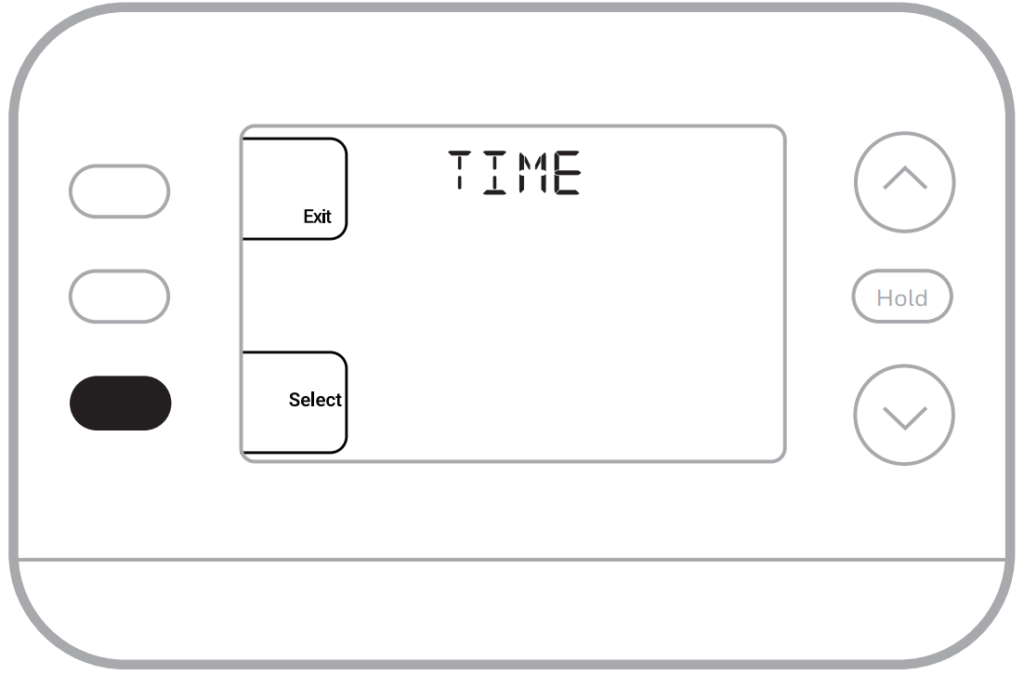
Configure Time
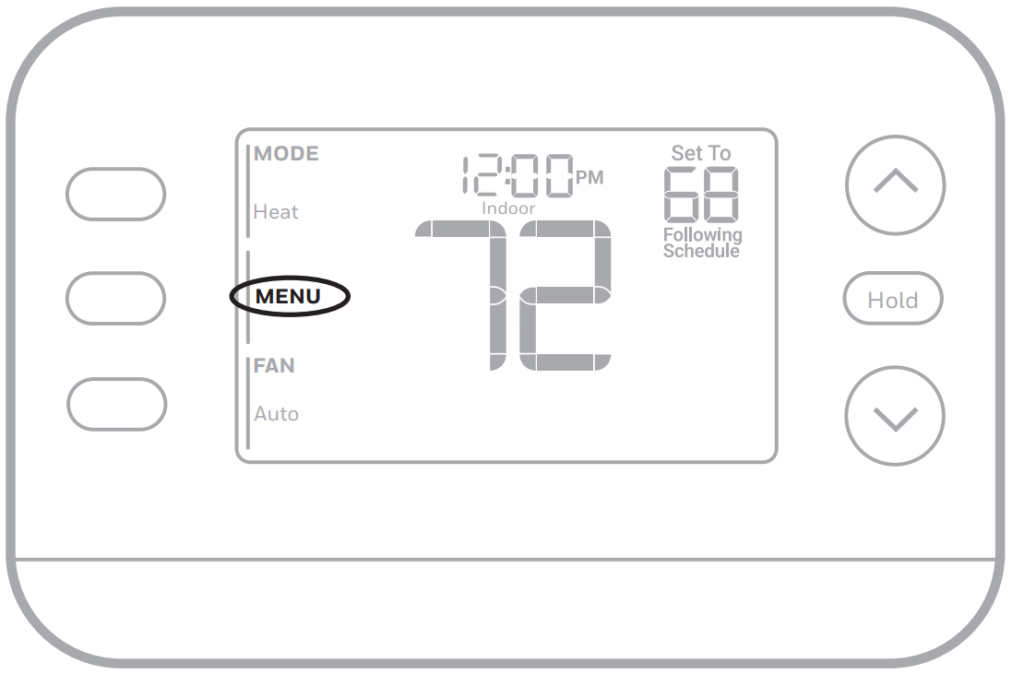
- Press Menu.
- Select Time.
- Choose 12-hour or 24-hour format.
- Adjust hours and minutes.
- Confirm and save settings.
Configure Date
- Navigate to Menu → Date
- Adjust day, month, and year
- Save changes
If the thermostat is connected to the internet, time settings may sync automatically.
Programming Temperature Schedules
The thermostat supports structured daily scheduling periods.
Typical Schedule Periods
- Wake
- Leave
- Return
- Sleep
Schedule Setup Steps
- Open Menu → Schedule.
- Enable scheduling feature.
- Select a schedule period.
- Set desired time.
- Adjust heating and cooling temperature setpoints.
Programming schedules helps reduce energy usage during inactive hours.
Temporary Temperature Override
To manually adjust comfort settings:
- Use temperature adjustment buttons on the main screen.
- The thermostat will temporarily override scheduled settings until the next programmed period begins.
This feature is useful during unexpected routine changes.
Compressor Protection Feature
The thermostat includes built-in equipment protection logic.
Compressor Delay Behavior
- Screen may display “Waiting for Equipment”
- System restart is delayed for approximately five minutes
- Prevents HVAC compressor short cycling
Users should avoid repeated rapid temperature changes during this delay period.
Cooling Safety Recommendation
Avoid running cooling mode when outdoor temperature is below 50°F (10°C) to prevent equipment damage.
Troubleshooting Common Issues
Blank Thermostat Display
Check the following:
- Circuit breaker power supply
- HVAC system service switch
- Furnace door panel closure
Unable to Adjust Temperature
Possible causes include:
- Thermostat lockout feature enabled
- Installer-configured temperature limits
These quick checks help restore normal thermostat operation.
Wi-Fi Connectivity and Smart App Use
The thermostat supports remote management through compatible mobile applications.
Benefits of Smart Connectivity
- Adjust temperature remotely
- Update schedules from smartphone
- Monitor system operation alerts
- Access digital user manuals
Stable Wi-Fi connection improves overall smart thermostat functionality.
Honeywell T10 Pro Smart Thermostat Installation Guide
Technical Support and Manufacturer Contact
For setup help, troubleshooting assistance, or warranty service:
Honeywell Home Support Website:
https://www.honeywellhome.com
Customer Support Phone:
1-800-633-3991
Manufacturer Address:
Resideo Technologies Inc.
1985 Douglas Drive North
Golden Valley, Minnesota, USA
These official support channels provide product guidance and service information.
Best Practices for Efficient Thermostat Use
- Maintain updated scheduling based on seasonal needs
- Use circulate fan mode for improved airflow balance
- Avoid frequent manual overrides
- Keep thermostat firmware updated via Wi-Fi
- Schedule periodic HVAC system maintenance
Following these recommendations ensures optimal comfort performance and long-term system reliability.